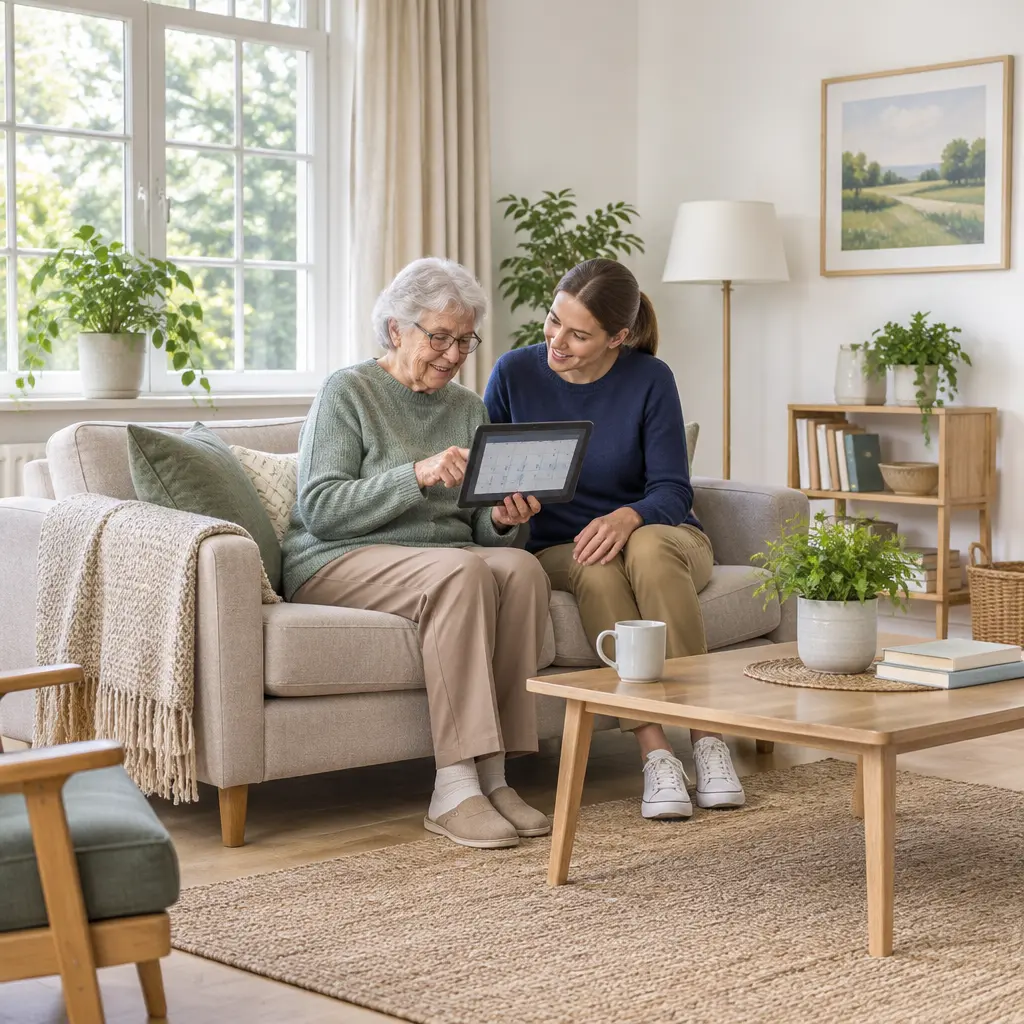
Dementia-supporting technology refers to digital tools and connected devices designed to help people experiencing cognitive decline maintain safety, independence, communication, and access to care. Used thoughtfully alongside human support, these technologies can assist with reminders, navigation, social connection, and clinical monitoring. The need is substantial: the World Health Organization estimates that 57 million people worldwide were living with dementia in 2021, with nearly 10 million new cases each year. Understanding the evidence, benefits, limitations, and practical safeguards behind assistive devices, telehealth, and monitoring systems can help families and care teams choose tools that fit a person’s needs and preferences.
Technology improves support for people with cognitive decline
Cognitive decline is a change in abilities such as memory, attention, language, or decision-making. It may result from dementia, including Alzheimer’s disease, but cognitive symptoms can also have other causes. Technology does not cure dementia or replace personal care. Its role is to reduce avoidable barriers, reinforce routines, support communication, and help people and caregivers manage specific risks.
The Alzheimer’s Association describes dementia as a syndrome involving a decline in memory, thinking, and reasoning that interferes with daily life. Support needs vary widely: some people benefit from a simple calendar or labeled phone, while others may need accessible communication tools or location alerts. Technology is most useful when it is selected around an individual goal, introduced with consent, and reviewed as needs change.
Assistive technology supports everyday activities
Assistive technology includes products and systems that help people perform tasks or participate in daily life. For a person with cognitive impairment, examples include large-button phones, talking clocks, digital calendars, medication prompts, smart speakers, and simplified television controls. These tools can externalize memory and make familiar routines easier to follow.
The World Health Organization and UNICEF estimated in their 2022 Global Report on Assistive Technology that more than 2.5 billion people need at least one assistive product, and nearly one billion lack access. The report covers many types of disability and is not a dementia-specific estimate, but it highlights a broad access challenge relevant to older adults and people with cognitive disabilities.
Digital systems can support care coordination
Digital care systems include patient portals, telehealth, electronic care plans, and secure messaging between clinicians and caregivers. They can help families organize appointments, share observations, and ask clinicians about changes in symptoms. However, digital access is uneven, and a patient portal is only useful when its language, interface, and authentication requirements are manageable for the person using it.
Assistive technology addresses cognitive-support needs
Assistive technology for cognitive support is a broad category of products, services, and environmental adaptations intended to improve functioning and participation. The World Health Organization defines assistive technology as the application of organized knowledge and skills related to assistive products, including systems and services. In dementia care, the category ranges from low-tech signs and pill organizers to networked sensors and artificial-intelligence-enabled applications.
A useful way to group these tools is by the task they support: remembering and organizing, communicating and connecting, or managing safety and clinical care. These categories overlap, and the same device may serve different purposes for different people. Selection should begin with a specific, meaningful goal rather than with the device itself.
Memory aids and routine prompts
Memory aids are tools that provide reminders or make information easier to retrieve. Examples include calendars, checklists, labeled storage, voice assistants, and timed medication dispensers. A prompt can reduce reliance on recall, but it cannot ensure that a medication was taken correctly or that a person understood a complicated instruction.
The National Institute on Aging recommends practical strategies such as keeping important items in consistent places, using calendars and notes, and simplifying tasks. Electronic reminders can extend these strategies, but families should test whether the alert is noticeable and understandable. A reminder that is too frequent, confusing, or difficult to dismiss may be ignored or create distress.
Communication and social-connection tools
Communication technology includes simplified smartphones, video calls, picture-based interfaces, captioning, and accessible messaging. These tools can help a person maintain relationships and participate in decisions, particularly when travel or distance makes in-person contact difficult. Familiar contacts, large controls, and minimal navigation steps can make devices easier to use.
Technology should complement, not substitute for, meaningful human interaction. A caregiver can support use by setting up a device with the person, practicing one task at a time, and keeping a non-digital alternative available. Changes in hearing, vision, dexterity, or language may require adjustments to the interface.
Safety, location, and home-monitoring devices
Safety technologies include door sensors, motion detectors, stove shut-off systems, wearable emergency buttons, and location-sharing devices. They may help caregivers respond to a specific concern, such as a person leaving home unexpectedly or forgetting to turn off an appliance. They should be chosen proportionately: monitoring can affect privacy, autonomy, and trust, and location data can be sensitive.
A device’s presence does not guarantee safety. Sensors may fail because of dead batteries, poor connectivity, incorrect placement, or alert fatigue. Before relying on a monitoring system, caregivers should establish who receives alerts, what response is expected, how outages are handled, and whether the person understands and agrees to the arrangement to the extent possible.
Telehealth and remote monitoring extend dementia care
Telehealth uses communications technology to provide health services at a distance; remote monitoring collects or transmits health or activity information outside a clinic. These approaches can reduce travel and make follow-up more convenient, but they are not appropriate for every appointment or every patient. Clinicians may still need an in-person examination, and caregivers may need help setting up the technology.
Telehealth can improve access when visits are suitable
Telehealth visits can support medication reviews, caregiver consultations, and follow-up discussions when a clinician determines that remote care is clinically appropriate. The U.S. Centers for Disease Control and Prevention reported that 37.0% of adults used telemedicine in the previous 12 months in 2021. This figure reflects adults overall, not people with dementia specifically, and access and use vary by age, disability, broadband availability, and digital confidence.
For a person with cognitive impairment, a caregiver may help with appointment links, audio, and note-taking, with the patient’s agreement and involvement. A quiet setting, simple instructions, and an accessible device can reduce friction. Clinicians should check understanding and offer an in-person option when remote communication is insufficient.
Remote monitoring can inform care but needs safeguards
Remote monitoring may use wearable devices, home sensors, or connected health equipment to share selected information with caregivers or clinicians. Depending on the system, it may show whether a person has moved through a home, pressed an emergency button, or recorded a health measurement. It should be treated as one source of information, not as a complete picture of wellbeing.
Monitoring plans should define what is collected, who can see it, how long it is retained, and what happens when an alert is triggered. The U.S. Department of Health and Human Services’ Office for Civil Rights explains that the HIPAA Privacy Rule protects covered health information held by covered entities and business associates; not every consumer app or device company is covered by HIPAA. Users should therefore examine privacy policies and data-sharing practices rather than assume all health-related technology receives the same legal protection.
Technology adoption depends on fit, usability, and ethics
A device that is technically capable may still fail if it is confusing, stigmatizing, unaffordable, or poorly matched to a person’s routine. The National Institute on Aging advises families to consider the person’s abilities and preferences when planning dementia care. A practical selection process tests the tool in context, includes the person in decisions, and checks whether it continues to help.
Personalization and usability determine whether tools work
Usability means that a person can learn and operate a tool to achieve a goal. Cognitive changes can make multi-step menus, passwords, small text, and frequent software updates difficult. Helpful design features may include consistent screens, clear labels, adjustable volume, accessible text, and a limited number of choices.
A person-centered trial can begin with one task, such as using a reminder to prepare for an appointment. If the tool causes frustration or is routinely ignored, the solution may be a different interface, a caregiver-supported routine, or a non-digital aid. Technology should adapt to the person where possible, rather than requiring the person to adapt to a complex system.
Privacy, consent, and autonomy require ongoing attention
Privacy is the ability to control access to personal information and activities; autonomy is the ability to make choices and direct one’s life. Cameras, microphones, location trackers, and behavioral sensors can support safety but also reveal intimate details. Families and care teams should explain the purpose of monitoring in accessible language, seek consent, and revisit the arrangement as preferences and capacity change.
If a person cannot make a particular decision independently, applicable laws and care plans may guide decisions by an authorized representative. Even then, the person should be involved as much as possible, and the least intrusive effective option should be considered. Data minimization—collecting only what is needed—can reduce unnecessary exposure.
Cost, connectivity, and support affect equitable access
Access depends on more than device availability. Up-front prices, subscriptions, broadband, language accessibility, technical support, and replacement costs can limit use. The WHO and UNICEF estimate that nearly one billion people who need assistive products lack access, underscoring why affordable, maintainable options and service support matter.
Before purchasing, families can ask clinicians, occupational therapists, social workers, or local aging-service organizations about demonstrations, loan programs, funding, and training. Low-cost adaptations—such as clearer labels, a visible weekly calendar, or a simplified remote control—may meet a need better than a connected device.
Real-world use works best with a clear care goal
Consider a person who sometimes misses appointments and becomes anxious when plans change. A family and care team might use a large-print calendar, a daily voice reminder, and a simplified phone contact list. They could test the routine for several weeks, ask whether the reminders feel helpful, and adjust timing or wording. If the person later begins wandering, the team could separately assess environmental changes and location-support options rather than automatically introducing continuous tracking.
This example illustrates a general practice: define the problem, involve the person, choose the least complicated suitable tool, and review outcomes. Useful measures may include whether appointments are attended, whether the person feels more confident, how often caregivers need to intervene, and whether the tool creates new stress. Technology should be evaluated by its effect on daily life, not by the number of features it offers.
Conclusion: Choose technology around the person
Assistive technology, memory aids, communication tools, telehealth, and remote monitoring can support people experiencing cognitive decline, but no single product fits everyone. Evidence and public-health data show both the scale of dementia and the wider gap in access to assistive products. The most responsible approach combines practical benefit with usability, privacy, consent, affordability, and human care.
Families and professionals can start by identifying one daily challenge, discussing options with the person, and testing a simple solution before expanding its use. Review the choice regularly as abilities and preferences change, and consult clinicians or local aging and disability services for individualized guidance.
Sources: World Health Organization, Dementia, https://www.who.int/news-room/fact-sheets/detail/dementia; Alzheimer’s Association, What Is Dementia?, https://www.alz.org/alzheimers-dementia/what-is-dementia; World Health Organization, Assistive Technology, https://www.who.int/news-room/fact-sheets/detail/assistive-technology; World Health Organization and UNICEF, Global Report on Assistive Technology, 2022, https://www.who.int/publications/i/item/9789240049451; National Institute on Aging, What Is Dementia? Symptoms, Types, and Diagnosis, https://www.nia.nih.gov/health/alzheimers-and-dementia/what-dementia-symptoms-types-and-diagnosis; National Institute on Aging, Managing Older Adults’ Dementia or Alzheimer’s Disease, https://www.nia.nih.gov/health/alzheimers-caregiving/managing-older-adults-dementia-or-alzheimers-disease; Centers for Disease Control and Prevention, QuickStats: Percentage of Adults Aged ≥18 Years Who Used Telemedicine During the Past 12 Months, by Age Group — United States, 2021, https://www.cdc.gov/mmwr/volumes/71/wr/mm7112a4.htm; U.S. Department of Health and Human Services, Office for Civil Rights, Health Information Privacy, https://www.hhs.gov/hipaa/for-individuals/index.html.